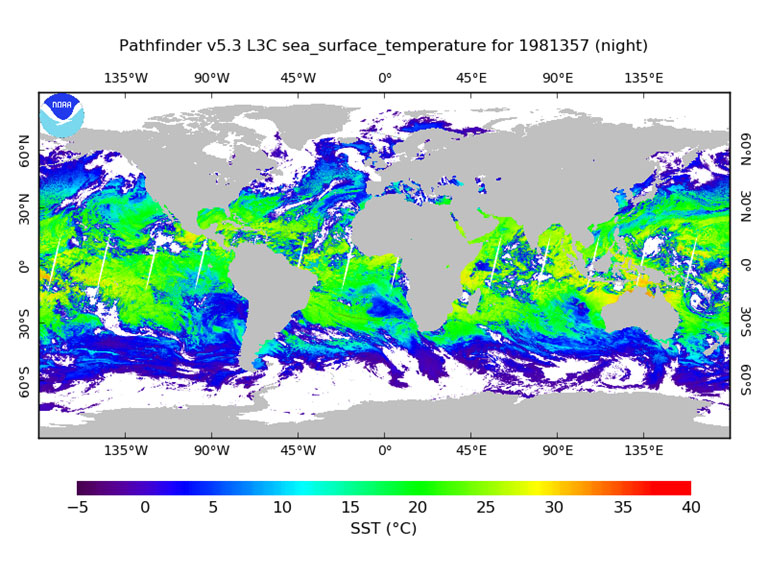
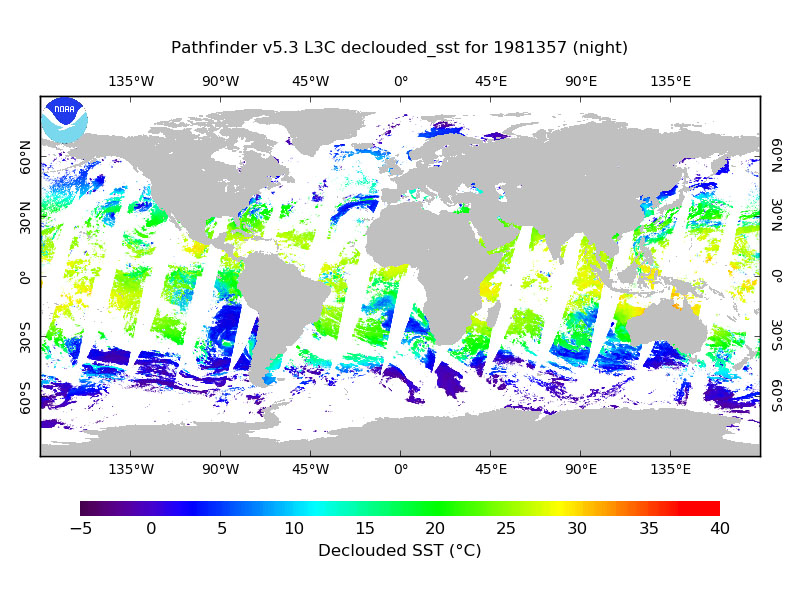
This product is a long-term Climate Data Record (1981–present) that builds on the historic aspect of Pathfinder Sea Surface Temperature (SST) (Saha et. al 2018). It contains global, twice-daily (Day and Night) 4km SST derived from measurements captured by Advanced Very High Resolution Radiometer (AVHRR) instruments aboard NOAA polar-orbiting satellites.
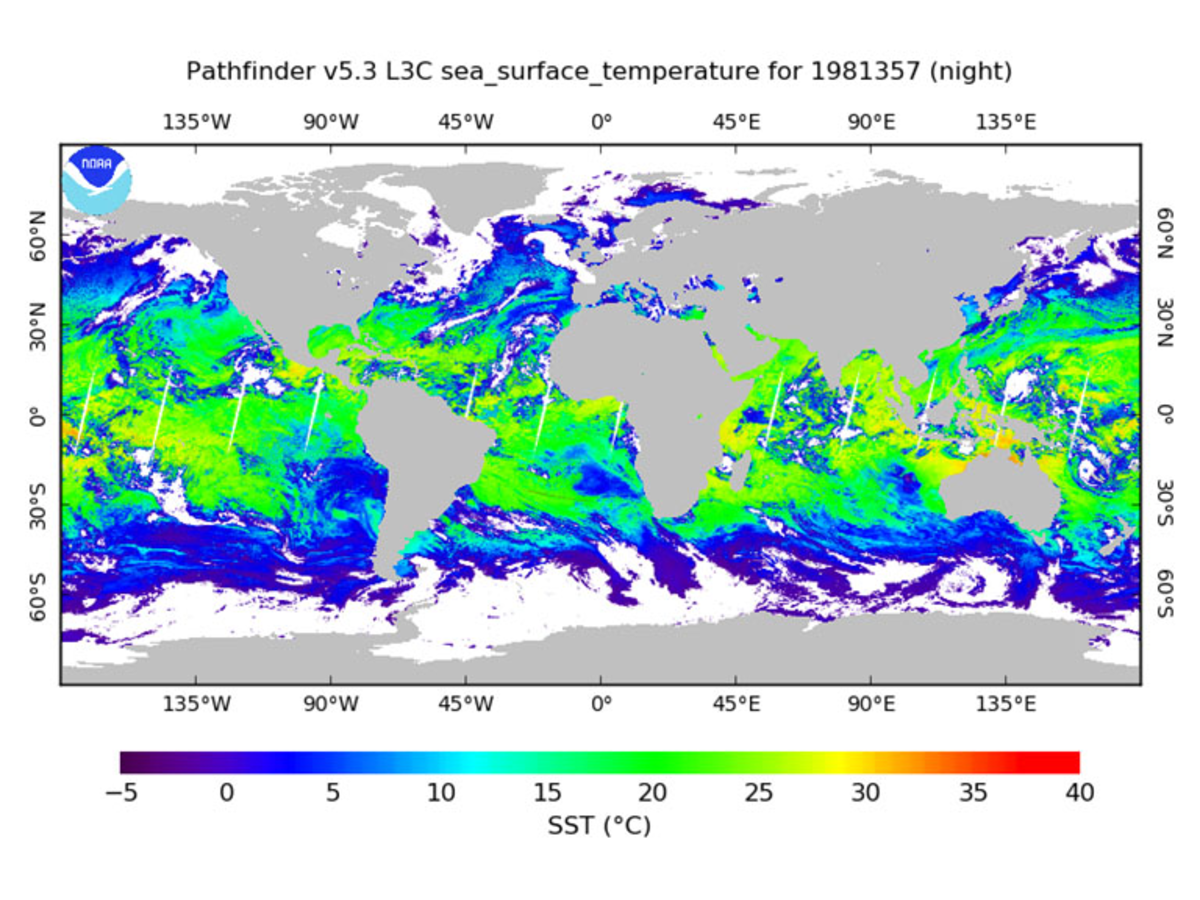
Version 5.3
Citation
Saha, Korak; Zhao, Xuepeng; Zhang, Huai-min; Casey, Kenneth S.; Zhang, Dexin; Baker-Yeboah, Sheekela; Kilpatrick, Katherine A.; Evans, Robert H.; Ryan, Thomas; Relph, John M. (2018). AVHRR Pathfinder version 5.3 level 3 collated (L3C) global 4km sea surface temperature for 1981-Present. [indicate subset used]. NOAA National Centers for Environmental Information. Dataset. https://doi.org/10.7289/v52j68xx. Accessed [date].
- Incorporates '0' quality SST data
- Better representation of sun glint regions
- Cloud tree tests for NOAA-7 and NOAA-19 are consistent with the other sensors
- sst_dtime variable is empty
- Improved CF and ACDD compliance for Global and variable attributes in netCDF
- Aligns with the NCEI netCDF templates
- Anomalous hot-spots at land-water boundaries are better identified and flagged
- Land mask updated based on Global Lakes and Wetlands Database: Lakes and Wetlands Grid Level 3, 2015
- Sea ice data over the Antarctic ice shelves are marked as ice and flagged as 100% ice cover
- Data output are netCDF version 4 in "classic" mode
- An extra bit (bit 6) is used under l2p_flags variable to flag out the daytime unrealistic SST values (>39.8°C) that remain in pf_quality_level 4 to 7.]
| Version | Time Frame | Dimensions | Format | DOI | Access |
|---|---|---|---|---|---|
| 5.2 | 09/01/1981–12/31/2012 | Global (N: 90 S: -90 E: 180 W: -180) | netCDF-4 | 10.7289/v5wd3xhb | |
| 5.0, Interim 5.0, and 5.1 | 08/24/1981–12/31/2009 | Global (N: 90 S: -90 E: 180 W: -180) | HDF (Version 4), JPEG | N/A | Metadata |
| 5.0 SST climatologies 1985-2001 | 01/01/1985–12/31/2001 | Global (N: 90 S: -90 E: 180 W: -180) | HDF (Version 4), JPEG | N/A | |
| 5.0 SST cloud-screened monthly climatologies 1985-2006 | 1985-01-01 - 2006-12-31 | Global (N: 90 S: -90 E: 180 W: -180) | HDF (Version 4), JPEG | N/A | Metadata |
Citation: Version 5.2
Casey, Kenneth S.; Evans, Robert H.; Baringer, Warner; Kilpatrick, Katherine A.; Podesta, Guillermo P.; Walsh, Susan; Williams, Elizabeth; Brandon, Tess B.; Byrne, Deirdre A.; Foti, Gregg; Li, Yuanjie; Phillips, Sheri A.; Zhang, Dexin; Zhang, Yongsheng (2011). AVHRR Pathfinder version 5.2 level 3 collated (L3C) global 4km sea surface temperature for 1981-2012. [indicate subset used]. NOAA National Centers for Environmental Information. Dataset. doi:10.7289/v5wd3xhb. Accessed [date].
Sample Text
In a Product
"These data were provided by GHRSST and the US National Centers for Environmental Information. This project was supported in part by a grant from the NOAA Climate Data Record (CDR) Program for satellites."
In a paper
"In this study, we used AVHRR Pathfinder Version 5.X (PFV5.X) data, obtained from the US National Centers for Environmental Information and GHRSST. The PFV5.X data are an updated version of the Pathfinder Version 5.0 and 5.1 collection described in Casey et al. (2010)."
SST Computation
SST is computed with a regression based non-linear algorithm using a modernized system based on the NASA SeaWiFS Data Analysis System SeaDAS (version 6.4). The algorithm has been applied consistently to the full product timeline (August 1981-Present). Algorithm coefficients were generated using regression analyses with co-located in situ and satellite measurements based on Kilpatrick, Podesta and Evans (2001).
Citation
Kilpatrick, K. A., Podestá, G. P., & Evans, R. (2001). Overview of the NOAA/NASA advanced very high resolution radiometer Pathfinder algorithm for sea surface temperature and associated matchup database. Journal of Geophysical Research, 106(C5), 9179–9197. https://doi.org/10.1029/1999JC000065.
Additional References
- Casey K.S., Brandon T.B., Cornillon P., Evans R. (2010) The Past, Present, and Future of the AVHRR Pathfinder SST Program. In: Barale V., Gower J., Alberotanza L. (eds) Oceanography from Space. Springer, Dordrecht. https://doi.org/10.1007/978-90-481-8681-5_16.
- Saha, K.; Dash, P.; Zhao, X.; Zhang, H.-M. Error Estimation of Pathfinder Version 5.3 Level-3C SST Using Extended Triple Collocation Analysis. Remote Sens. https://doi.org/10.3390/rs12040590.
Pathfinder 5.2 Troubleshooting
-
A code error in the NASA SeaDAS package spatial binning software used to create daily PFSST L3C (collated) data and MODISV5 products was identified and corrected in 2015 by NASA in SeaDAS7.2 for MODIS SST data, but not for AVHRR SST algorithms.
-
NCEI will correct this problem in a future version, and make updates to address it now. In global maps of Pathfinder V5.2 and V5.3 high latitude SST’s in months near the summer (June) solstice and winter (December) solstice are often incorrect above 50 degrees latitude, due to improper splitting of the mixed night and day granules due to NASA SeaDAS package.
-
PFV53 are not fully GDS2.0 compliant: sses_bias, sses_standard_deviation, and sst_dtime variables are empty.
-
These empty variables are a known issue, but could not be included in PFV53. They will be included in a future version.
-
There’s a significant gap between 1994275 to 1995017. In the original PFV50 processing, these data were available from RSMAS and PFV50 has been used to temporarily fill that gap, as in PF52.
-
Level 0 GAC data from NOAA-9 have been located and provided to the National Centers for Environmental Information. These data will be included in a future version.
-
The aerosol_depth_indicator variable is sub-optimal because it relies on two fairly different sources of aerosol data.
-
We will be incorporating our in-house generated climate quality Aerosol Optical Thickness product for the entire time period in the future version. This aerosol data is more consistent and stable and is already incorporated for our forward processing from 2016 to present.
-
Aerosols missing from primary and fallback sources for Sep 1994 - Feb 1995, as in PF52.
-
Corrected for now by using the previous year's aerosol values for the missing days (as in PF52). In future, we will fill this gap using our in-house aerosol optical thickness climate data record.
-
Sea ice missing from primary and fallback sources for 1987 day 340 through 1988 day 10.
-
Temporarily resolved by using ice records from the previous year, but the source attribute does not appear to properly reflect this correction. NCEI is investigating missing sea ice in the DOISST for this period and will work with our sea-ice data providers to improve coverage in the early years of their datasets.
-
Both PF5.2 and PF53 reveal a very small percentage of pixels with SST values > 39.8 degrees C (see l2p_flags) and a need to investigate other high SST values.
-
Improved flagging of a very small percentage of pixels with SST values > 39.8 degrees C (see l2p_flags) has been implemented. Further analysis will be done to better quantify similarly high SST values in the PFSST products.